In the age of generative AI, most mobile experiences involve constant app-switching. You write a draft, copy it, paste it into a chatbot, refine it, copy the result, and paste it back into your original app. SwiftSlate changes this paradigm entirely by bringing AI capabilities directly into your keyboard flow through Android’s Accessibility Services.
Why SwiftSlate Matters
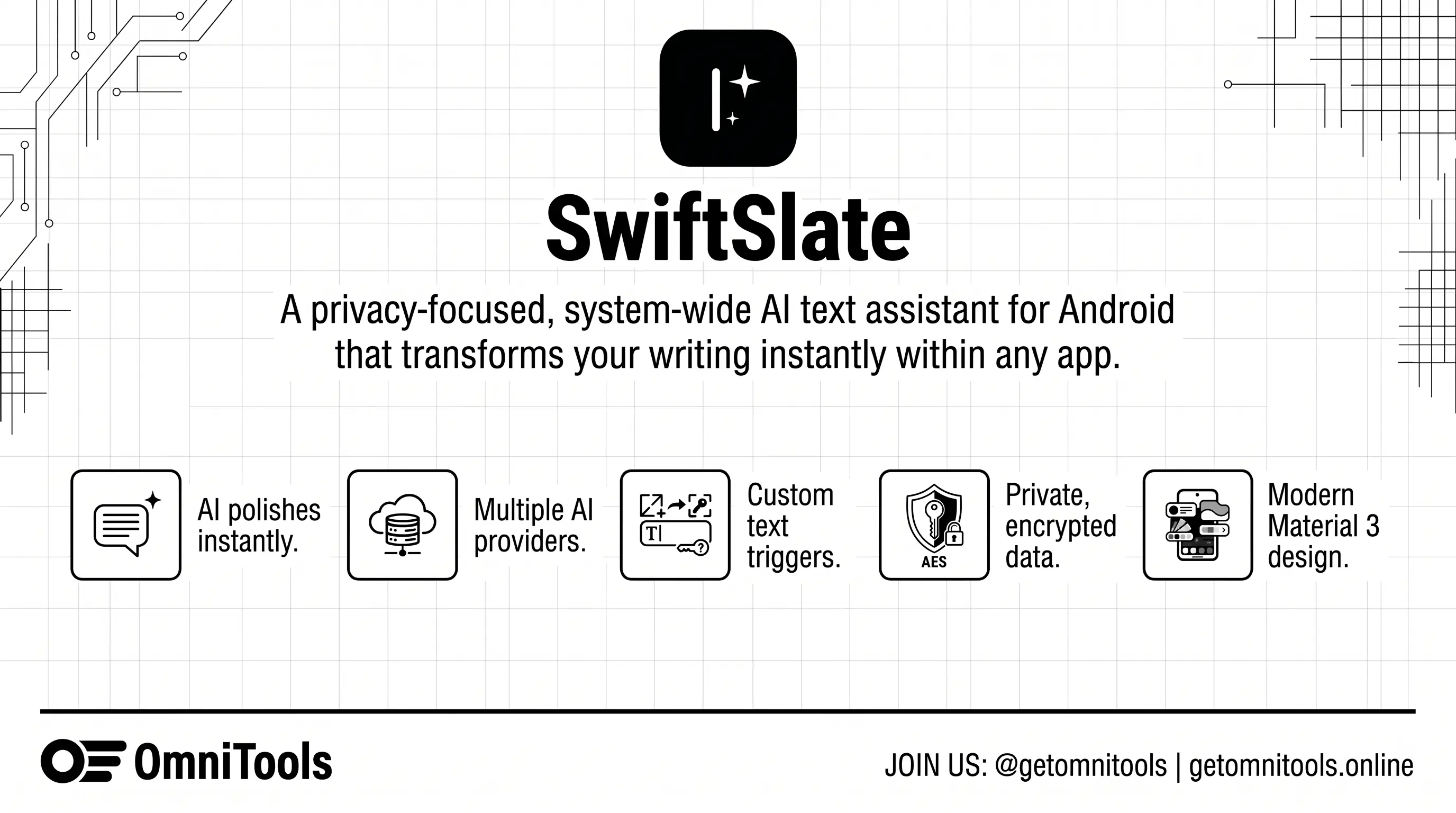
SwiftSlate isn’t just another AI wrapper; it’s a productivity multiplier. By leveraging Accessibility Services, it monitors your text input (locally and privately) to look for specific triggers. When you type a command like ?fix at the end of a sentence, SwiftSlate instantly sends that text to your preferred AI provider and replaces your input with the polished version—all without you ever leaving the app you’re in.
Whether you’re drafting an email in Gmail, a message in WhatsApp, or a post on X (Twitter), SwiftSlate provides a seamless, “magic” writing experience that feels native to the OS.
Key Features
1. Instant Inline Replacement
The core magic of SwiftSlate lies in its triggers. You can configure custom triggers for different tasks:
?fix: Correct grammar and spelling.?formal: Rewrite text in a professional tone.?summarize: Condense long paragraphs into bullet points.?reply: Generate a response based on the previous context.
2. Multi-Provider & Local LLM Support
Privacy-conscious users will appreciate the flexibility SwiftSlate offers. You aren’t locked into a single ecosystem. You can connect:
- Google Gemini: High-speed, high-quality cloud AI.
- OpenAI-Compatible APIs: Use any service that follows the OpenAI standard (Grok, Anthropic via proxies, etc.).
- Local LLMs: Connect to Ollama or LM Studio running on your local network for a completely private, offline AI experience.
3. Advanced API Management
For power users, SwiftSlate includes a Multi-Key Rotation system. If you’re using free-tier API keys with strict rate limits, you can input multiple keys, and the app will automatically cycle through them to ensure uninterrupted service.
4. Privacy & Security First
As an app that uses Accessibility Services, trust is paramount. SwiftSlate is fully open-source and built with a “zero telemetry” philosophy.
- Encryption: All API keys are stored using AES-256-GCM encryption.
- No Data Harvesting: Your text is only ever sent to the AI provider you’ve chosen.
- Biometric Lock: Secure your AI settings and keys with fingerprint or face unlock.
Technical Excellence
The app is built using the latest Android standards, featuring a beautiful Material 3 (You) interface that respects your system’s dynamic coloring. It’s lightweight, AMOLED-friendly, and supports over 7 languages, making it accessible to a global audience.
Download & Links
SwiftSlate is completely free and open-source. You can find the source code, contribute to development, or download the latest APK from the official repository.
- GitHub Repository: Musheer360/SwiftSlate
- Latest Releases: Download APK
- License: GPL-3.0
Looking to integrate AI into your own business workflow or need a custom Android tool developed? Check out our services below!